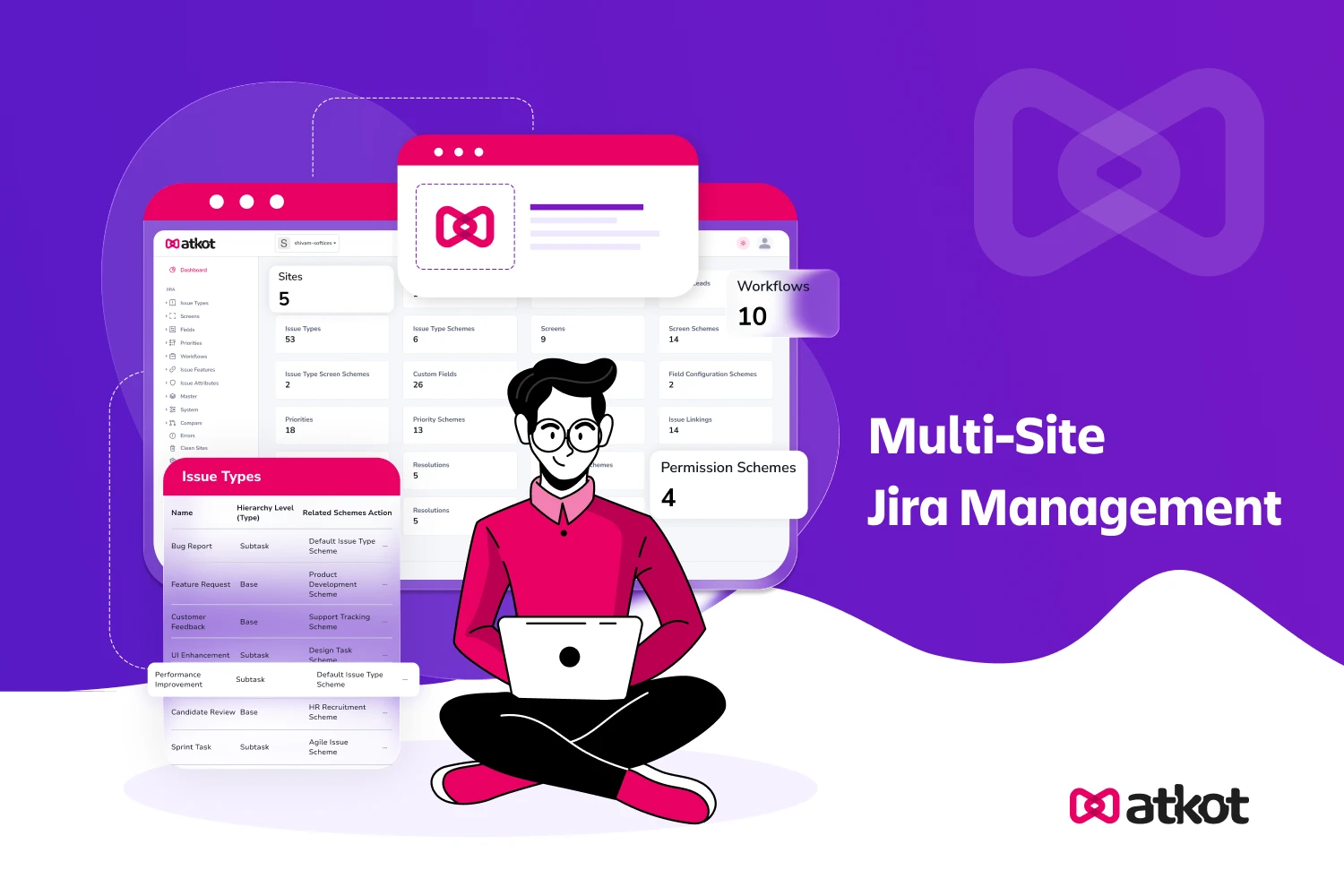
What is Atkot? A Complete Guide to Multi-Site Jira Management
If you're managing Jira across multiple sites for different business units, regions, or environments, you know the chaos: inconsistent workflows, the constant fear of breaking production, and endless manual copy-paste.
This isn't a scaling problem; it's a management gap in Jira's native toolkit.
Atkot fills that gap. It is a purpose-built platform that gives teams a single command center to sync, compare, audit, and safely deploy Jira configurations across every site they manage.
This guide walks you through why multi-site management is so difficult, and exactly how Atkot provides the control, consistency, and confidence to scale Jira effortlessly.
Why Multi-Site Jira Management is Difficult
Most organizations begin with a single Jira site. As they grow, they often end up with multiple sites for different business units, regional teams, or environments. And with multiple sites come multiple challenges.
If you're managing these sites, you know these challenges are a daily tax on productivity. They typically manifest in a few critical ways:
1. Inconsistent Configurations
When each site evolves independently, workflows, fields, permissions, and automation rules begin to drift. This results in different user experiences and unpredictable behavior across teams.
Example: Imagine your "Priority" field. In your US production site, it's a simple list: Blocker, High, Medium, Low. But in your EU development site, a well-meaning admin added Critical and changed Blocker to Emergency. Now, when your global support team tries to triage issues, tickets are misrouted, dashboards show conflicting data, and executives get two different reports on what's "critical." A single field discrepancy creates confusion, slows response times, and undermines trust in your tools.
2. High Risk of Breaking Production
Even small configuration tweaks like adjusting a validator or modifying a custom field can disrupt issue transitions, automations, or integrations. Without controlled deployments, production environments become fragile and unpredictable.
3. Manual Work that Doesn’t Scale
Manually copying settings between sites requires exporting schemes, recreating fields, or rebuilding workflows step by step. This process becomes unsustainable as the number of sites grows.
4. No Easy Way to Compare or Audit Changes
Jira lacks native site-to-site comparison and detailed auditing. Teams struggle to identify configuration drift, track changes, or ensure compliance with internal governance rules.
5. Troubleshooting Becomes Painful
With inconsistent setups, diagnosing issues becomes a guessing game. What works in one site may fail in another, turning simple problems into lengthy root-cause investigations.
What is Atkot?
Atkot is a multi-site Jira configuration management platform that gives teams complete control over how their Jira environments are aligned, deployed, and governed.
Rather than jumping between sites and manually replicating changes, teams get a single dashboard to orchestrate everything from syncing modules to reviewing audit logs across all their Jira environments at once.
With Atkot, teams can:
- Sync Jira modules across multiple sites
- Copy configurations from one site to another
- Compare different Jira sites to identify discrepancies
- Audit every change with full transparency
- Deploy approved configurations safely and consistently
In essence, Atkot acts as a command center for managing Jira configuration at scale.
How Does Atkot Work?
Atkot connects to your Jira sites through secure, official APIs, compatible with both Cloud and Data Center. As a standalone cloud platform, it requires no installation within your Jira instance, ensuring stability and security while giving you a centralized dashboard to orchestrate changes across all environments.
Who is Atkot For?
Atkot is built for organizations that manage:
- multiple Jira environments (sandbox → test → production)
- several cloud or data center Jira sites
- distributed teams across regions or business units
- enterprise-level governance and compliance requirements
It is especially useful for Jira Administrators, Enterprise IT Teams, Tools and Governance Teams, and Process Owners who need reliable, repeatable control over how configurations move between environments.
Key Features of Atkot
Here’s a closer look at the capabilities that enable Atkot to streamline configuration syncing, improve governance, and reduce deployment risks.
1. Sync Modules Across Jira Sites
Push updates from a source site to multiple destinations in minutes. Atkot ensures workflows, fields, schemes, and permissions stay aligned without repetitive manual work, eliminating the drift that builds up when sites are managed in isolation.
2. Compare Sites for Full Visibility
Understand exactly how two Jira sites differ. Atkot highlights missing modules, mismatched workflow steps, modified validators, and other configuration changes so teams can catch discrepancies before they cause problems in production.
3. Copy Configurations in One Click
Instead of recreating workflows or fields manually, Atkot lets teams instantly clone configurations. This is especially useful when promoting changes from testing to production or onboarding new business units that need to match an existing setup.
4. Track and Audit Every Change
Every update includes timestamps, user details, and before-and-after snapshots. This makes governance effortless and ensures full transparency across Jira environments, an essential capability for teams with compliance or regulatory requirements.
5. Reduce Deployment Risk
Compare, review, and sync only approved changes. Structured, controlled deployments drastically reduce the chances of errors and production disruptions, giving teams the confidence to move fast without breaking things.
How Atkot Works in Practice
Here is the practical workflow behind Atkot, from making a configuration change in testing all the way to a clean, audited deployment in production.
Step 1: Design or update in a test site
Teams experiment freely in a sandbox without impacting live users or business operations.
Step 2: Compare test vs production
Atkot clearly shows the differences between environments, helping teams validate exactly what will be deployed.
Step 3: Approve the changes
Stakeholders review, verify, and approve updates to ensure they meet internal standards and compliance requirements.
Step 4: Sync to production
Approved modules are deployed cleanly and consistently across multiple Jira sites.
Step 5: Audit and track
Every action is captured with complete traceability for future audits, troubleshooting, or process reviews.
Benefits of Using Atkot
- Consistency Across All Jira Sites: Standardized workflows, fields, and permissions create a predictable and reliable user experience across teams.
- Faster Jira Deployments: Changes that once took hours or days are now rolled out in minutes with automated syncing.
- Reduced Errors and Risk: Eliminating manual processes removes the biggest source of Jira configuration issues.
- Better Governance and Compliance: Approval workflows and detailed audit logs support enterprise governance frameworks and regulatory requirements.
- Scalability for Large Organizations: Manage 2, 10, or 50 Jira sites with ease. Atkot grows with your operational complexity.
- Reduced Admin Overhead: Teams spend less time on repetitive configuration work and more time improving processes and delivering value.
Why Atkot is Different from Native Jira Tools
Jira’s native configuration tools operate only within a single site, without built-in support for:
- cross-site syncing
- multi-site comparison
- structured governance
- detailed auditing
- safe deployment workflows
Atkot bridges these gaps with a dedicated solution for multi-site Jira management, one that is designed specifically for the complexity enterprises face when Jira grows beyond a single instance.
Is Atkot Right for Your Team?
As organizations increasingly rely on Jira to manage processes across teams and continents, the need for consistent, governed, and scalable configuration management has never been greater.
If your team is spending hours on manual Jira updates, struggling with configuration drift, or operating without a clear audit trail, Atkot is built for exactly that situation.
Explore the features to see what Atkot can do, or request a demo to see it in action with your own Jira setup.